


Breaking: Ilebaye wins Big Brother Naija All Stars, ₦120m grand prize
Big Brother Naija All Stars winner Ilebaye Odiniya has been announced. The…


‘Damn it,’ CeeC reacts after eviction from BBNaija All Stars
Ceec, a housemate on Big Brother Naija All Stars, has been booted…

Google Marks Nigeria’s Independence Day With Green Doodle
The most populous nation in Africa is Nigeria. The Nigerian President speaks…

Can a Long Distance Relationships Work? Ways to Overcome the Obstacles Successfully
Wondering if long distance relationships can truly succeed? Discover effective ways to…
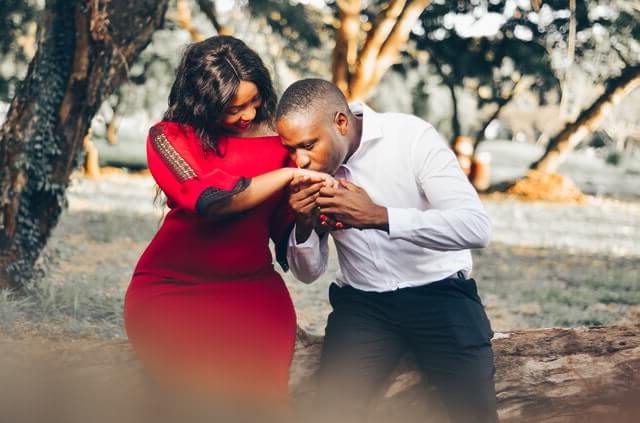
How to Handle Differences for a Successful Relationship: A Comprehensive Guide
In our ever-evolving world, building and nurturing successful relationships is an art…
15 Signs of Remarkable Sexual Tension: Unveiling the Hidden Secrets
In our relentless pursuit of providing you with unparalleled insights into the…

Bournemouth vs Arsenal: Arsenal’s 4-0 victory over Bournemouth closed the gap on Man City
With a convincing victory at AFC Bournemouth, Arsenal closed the gap with…

Dangote speaks on reported plan to slash cement price from N5,500 to N2,700 on October 1
Speaking on a rumored plan to reduce cement prices on October 1…
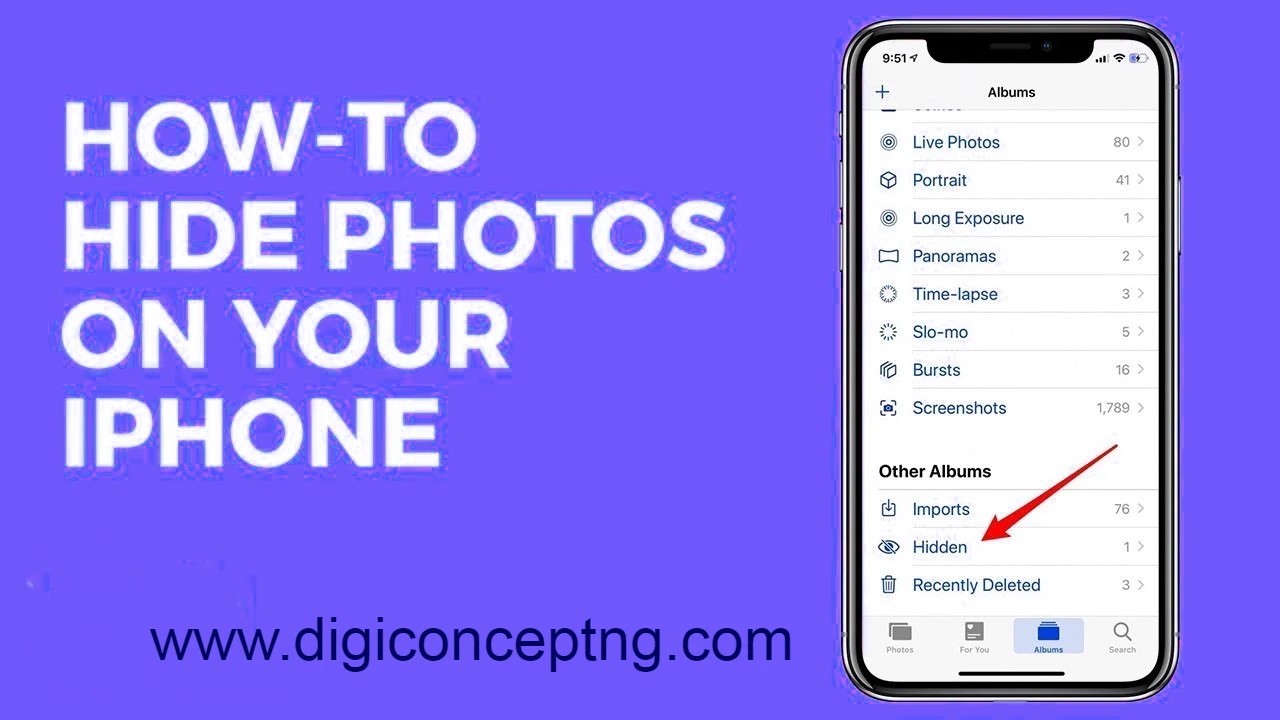
How to Hide Photos on iPhone
There are many reasons to hide a photo on your iPhone's camera roll, from preparing a nice surprise for someone to wanting to get an embarrassing photo out of your life (but not too far). Thankfully, iOS 16 offers a simple and quick solution to put particular images inside a hidden folder that is locked. Despite the fact that you could simply remove these images from your iPhone, knowing how to rapidly conceal images on your device might come in very handy, particularly if your phone is frequently misplaced or taken by kids or friends. Here, we'll demonstrate how to conceal images on an iPad and iPhone. How to Hide Photos on iPhone Using the…

Top 10 Best Apps to Hide Photos on iPhone in 2023 for iOS 17
On iPhones, you may hide pictures using a variety of apps. Users…