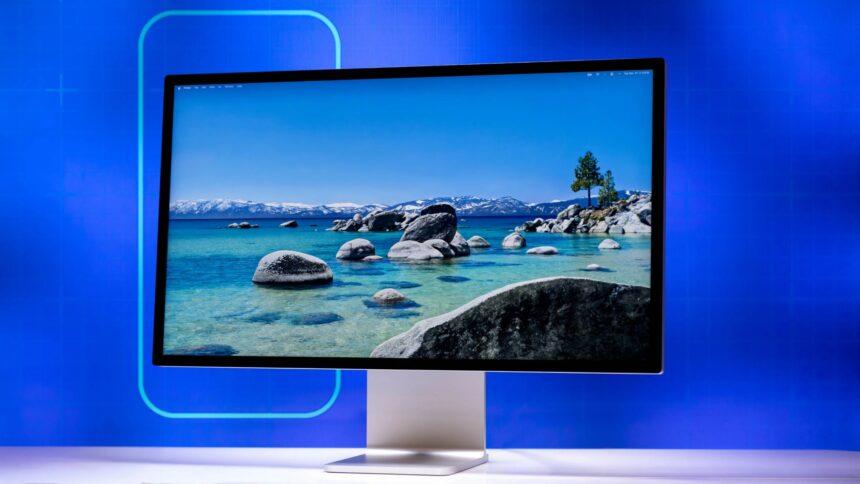
When Apple first launched the Studio Display, it was met with a mixture of awe for its build quality and frustration over its webcam. Critics and users alike complained about grainy, washed-out video quality that seemed beneath a $1,599 price tag. Fast forward to April 11, 2026, and Apple has released a stealth refresh of the iconic monitor.
While the chassis remains untouched, the internals have undergone a radical “brain transplant.” By swapping out the aging A13 chip for a custom-tuned A18 processor, Apple has transformed the Studio Display from a high-end panel into an AI-driven communication hub.
Here is everything you need to know about the 2026 Studio Display.
1. The Design: If It Ain’t Broke, Don’t Fix It
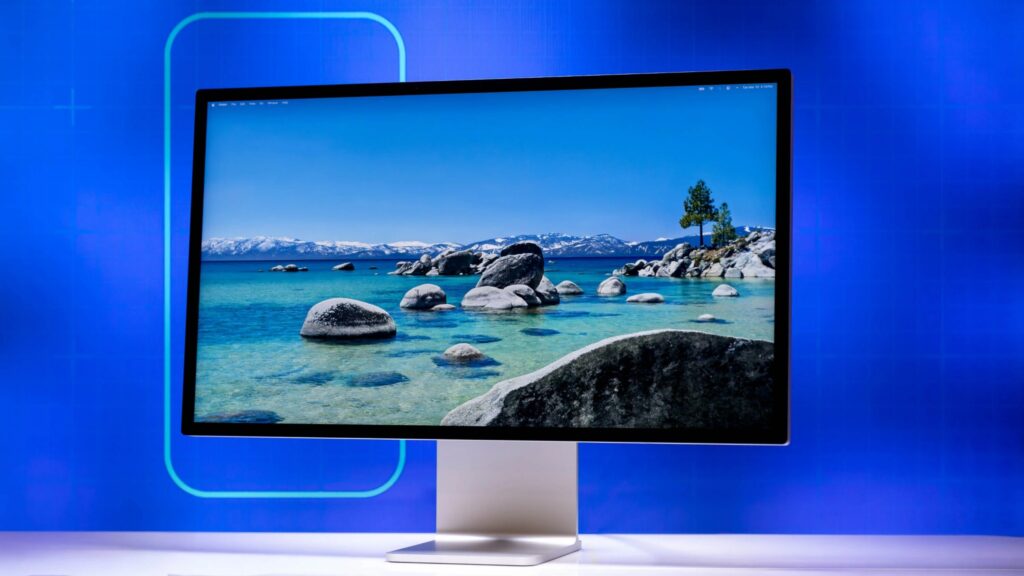
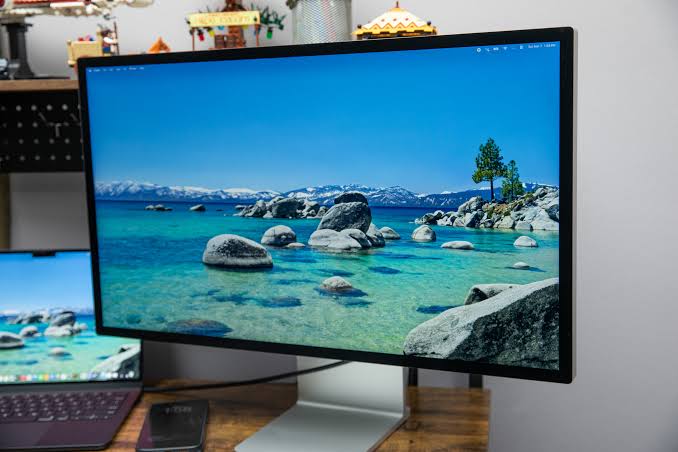
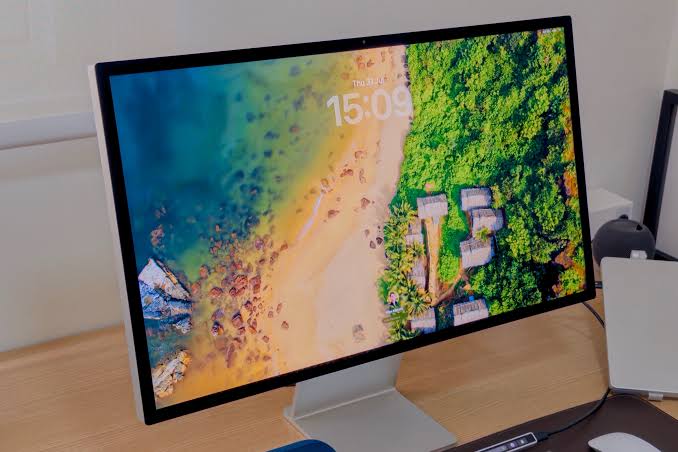
Visually, the 2026 Studio Display is indistinguishable from the 2022 original. It still features the slim, all-aluminum enclosure, the 5K resolution, and the option for either the standard tilt-adjustable stand or the $400 tilt-and-height-adjustable upgrade.
- The Panel: It remains a 27-inch 5K Retina display with 600 nits of brightness, P3 wide color, and True Tone technology. While some hoped for ProMotion (120Hz) or mini-LED, Apple has clearly positioned this as a “color-accurate workhorse” rather than a gaming or high-HDR monitor.
- Nano-Texture Option: The etched glass remains available for those in high-glare environments, though reviewers note the A18’s new “Auto-Contrast” software helps visibility even on the standard glossy glass.
2. The A18 Revolution: Fixing the Webcam Once and for All
The headline of today’s reviews is undoubtedly the A18 chip. Previously used to power the flagship iPhones, this silicon is now dedicated entirely to the monitor’s peripheral tasks.
- Grain-Free Video: The original display suffered from a “noisy” image due to the tiny sensor. The A18 utilizes Computational Videography 2.0, using neural networks to denoise video in real-time. Reviewers are calling the difference “night and day,” with skin tones looking natural and background noise virtually eliminated, even in poorly lit home offices.
- Enhanced Center Stage: With the Neural Engine of the A18, Center Stage is now smoother. It no longer “jerks” to follow you; it uses predictive AI to pan and zoom with the fluid motion of a professional camera operator.
- Studio-Quality Lighting: A new software feature allows the display to “relight” your face using the 5K panel itself as a softbox, adjusting the screen’s edge brightness to fill in shadows on your face during calls.
Read More On:
Get TikTok SEO Cheat here
- Lenovo Legion 5i Gen 10: The Mid Range Champion
- Motorola Razr Ultra: The New Gold Standard for Flip Phones
3. “Smarter Hookups”: The Connectivity Upgrade
The back of the monitor still features one Thunderbolt 3 port and three USB-C ports, but the technology behind them has been modernized.
- Daisy-Chaining 2.0: The A18 manages data bandwidth more efficiently, finally allowing users to daisy-chain a second 4K or 5K monitor or high-speed RAID storage without the “bandwidth bottleneck” errors common in older setups.
- 96W Power Delivery: The Thunderbolt port now consistently delivers a full 96W of power, enough to fast-charge the latest 16-inch MacBook Pro models while under heavy load—a subtle but necessary tweak for professional workflows.
- Instant-On Connectivity: Thanks to the faster processor, the “handshake” between the Mac and the Display is instantaneous. The two-to-three-second delay when waking the monitor is gone.
4. Audio: Spatial Audio 2.0
The six-speaker system remains physically the same, but the A18 chip enables Room Sensing. Upon first setup, the display plays a series of tones to map the acoustics of your room. It then uses beamforming to “steer” the sound, making Spatial Audio for music and movies feel significantly wider and more immersive than the original model.
5. Who is this for?
The 2026 Studio Display is a “refinement” model. It doesn’t add OLED or 120Hz, which may frustrate some, but it perfectly executes the features that matter most to pro-sumers and remote executives.
- Pros:
- The best webcam processing in a standalone monitor, period.
- Flawless 5K resolution for text and photo editing.
- Improved power delivery and data management.
- Incredible built-in speaker and mic array.
- Cons:
- Still lacks ProMotion (120Hz).
- No local dimming (IPS Black would have been a nice addition).
- Height-adjustable stand still costs an extra $400.
Specifications at a Glance
| Feature | Refresh Specification |
|---|---|
| Processor | Apple A18 (Dedicated for AI/Audio/Video) |
| Panel Type | 27″ 5K Retina (5120 x 2880) |
| Brightness | 600 Nits with True Tone |
| Webcam | 12MP Ultra Wide with A18-Neural Processing |
| Audio | 6-Speaker System with Room Sensing Spatial Audio |
| Connectivity | 1x Thunderbolt 3 (96W Charging), 3x USB-C (10Gbps) |
| Mics | Studio-quality three-mic array with High SNR |
Final Thoughts: If you already own the original Studio Display and use an external webcam, there is no need to upgrade. However, for those setting up a new professional workspace, the Studio Display (2026) is the most polished, “plug-and-play” monitor on the market. It finally delivers the premium video conferencing experience that was promised four years ago.
Read More On: