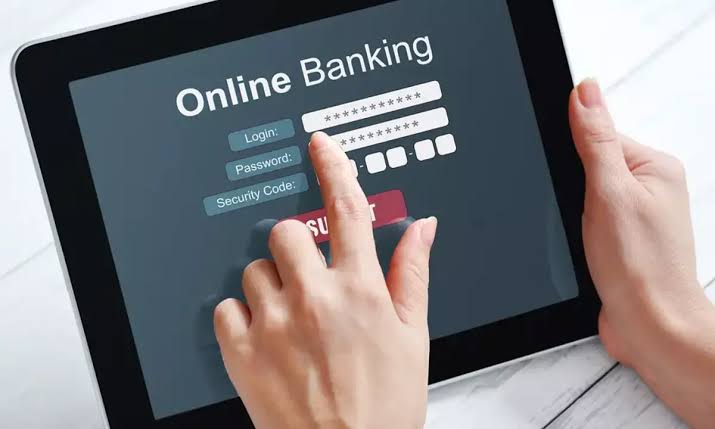
Online banking has become an essential part of modern financial life. From paying bills to transferring money instantly, online banking provides convenience and accessibility. However, like any technology, it is not without its challenges. Users often encounter issues that can disrupt their banking experience, leaving them frustrated and concerned about their finances. Understanding these common problems and learning how to resolve them can make your online banking experience smooth and secure.
In this guide, we explore the ten most common online banking problems and provide detailed solutions for each.
1. Login Issues
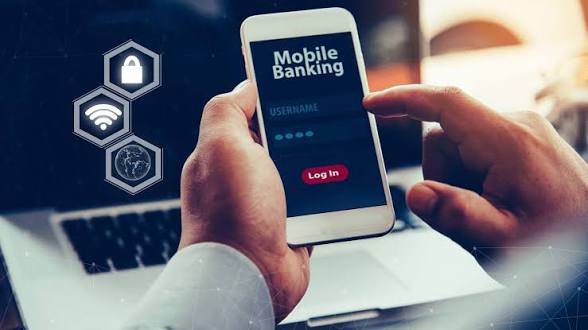
One of the most frequent online banking problems is difficulty logging into your account. This can happen due to incorrect passwords, expired credentials, or technical glitches in the banking platform.
How to Fix:
Get TikTok SEO Cheat here
- Ensure your username and password are entered correctly, paying attention to uppercase and lowercase letters.
- Clear your browser cache and cookies, as these can interfere with login functionality.
- If you have forgotten your password, use the bank’s password recovery feature.
- Enable two-factor authentication to prevent future access issues and enhance security.
2. Forgotten Username or Password
Forgetting login credentials is a common issue, especially for users who have multiple accounts.
How to Fix:
- Use the “Forgot Username” or “Forgot Password” link on the bank’s login page.
- Answer the security questions or verify your identity using your registered phone number or email.
- Consider using a secure password manager to store your credentials safely and prevent future problems.
3. Account Lockouts
Repeated failed login attempts or suspicious activity can result in your account being temporarily locked.
How to Fix:
- Contact your bank’s customer service immediately to unlock the account.
- Follow the bank’s verification process, which may include answering security questions or providing identification.
- Avoid multiple failed attempts and ensure your credentials are accurate before trying again.
Read More On:
4. Slow or Unresponsive Website
A slow-loading website or banking app can make transactions frustrating and time-consuming.
How to Fix:
- Check your internet connection and switch to a faster network if necessary.
- Update your browser or banking app to the latest version for optimal performance.
- Close unnecessary applications or tabs that may be using bandwidth.
- Consider using the bank’s mobile app if the website continues to be slow.
5. Transaction Failures
Failed transactions can occur for various reasons, including insufficient funds, technical errors, or incorrect account details.
How to Fix:
- Verify your account balance before initiating a transaction.
- Double-check the recipient’s account information.
- Retry the transaction after some time if the issue persists.
- Contact your bank for assistance if multiple attempts fail.
6. Mobile Banking App Crashes
Mobile banking apps can crash unexpectedly due to bugs, outdated versions, or device compatibility issues.

How to Fix:
- Update the app to the latest version available on your device’s app store.
- Restart your smartphone to clear temporary memory issues.
- Reinstall the app if crashes continue, ensuring you back up any important data first.
- Report persistent issues to the bank so they can address potential bugs.
Read More On:
- 10 Best Data Saving Apps for Maximising Data
- 10 Cheapest Data Plans in Nigeria All Networks Compared
7. Security Concerns and Fraud Alerts
Online banking security is a major concern, with phishing scams, hacking attempts, and unauthorized access being common problems.
How to Fix:
- Enable two-factor authentication for all accounts.
- Regularly monitor your account for suspicious transactions.
- Do not share your login details or OTP codes with anyone.
- Install reliable antivirus software and keep your device updated.
- Report any suspected fraud to your bank immediately.
8. Difficulty Linking External Accounts
Many users experience problems when linking external accounts for transfers or bill payments.
How to Fix:
- Ensure the external account details are accurate and complete.
- Confirm with the external bank that linking is supported.
- Wait for any verification process, which may include confirming small test deposits.
- Contact customer support for step-by-step assistance if needed.
9. Problems With Bill Payments
Bill payments failing or being delayed can lead to penalties and service interruptions.
How to Fix:
- Ensure your account has sufficient funds before scheduling payments.
- Double-check payee details and payment amounts.
- Set up alerts for due dates and successful payments to monitor activity.
- Contact your bank for troubleshooting if payments repeatedly fail.
10. Difficulty Accessing Account Statements
Accessing digital statements is essential for budgeting and financial planning, but users sometimes face issues downloading or viewing them.
How to Fix:
- Make sure you are using the correct format and browser supported by the bank.
- Clear cache and cookies if the statement does not load.
- Use the bank’s mobile app if the website is causing issues.
- Contact the bank’s customer service for assistance if statements are unavailable or incorrect.
Conclusion
Online banking offers unmatched convenience but can be challenging when problems arise. From login issues to transaction failures, most online banking problems have practical solutions. By staying informed, using secure practices, and knowing how to troubleshoot common issues, you can enjoy a seamless and safe banking experience.
Read More On: