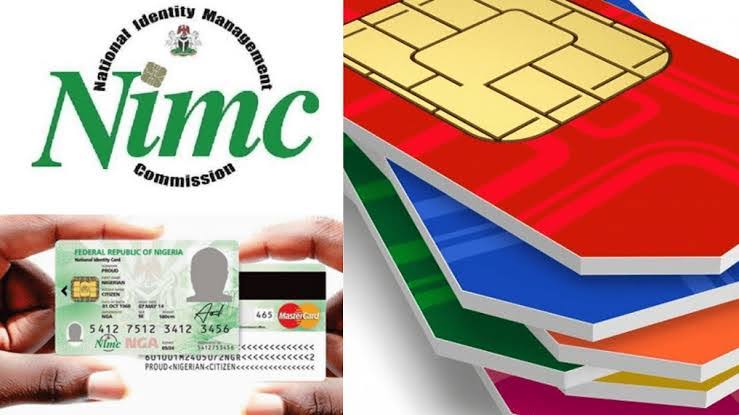
In Nigeria today, linking your National Identification Number to your mobile line is no longer optional. It is a mandatory requirement enforced by the Nigerian government through the Nigerian Communications Commission and the National Identity Management Commission.
Failure to link your NIN to your SIM card can lead to partial restrictions or complete disconnection of your line. This means you may lose access to calls, SMS, mobile data, and even critical services like banking alerts and authentication codes.
Many Nigerians still struggle with the process due to lack of proper guidance, network errors, or misinformation. This guide provides a complete breakdown of the easiest and most reliable ways to link your NIN to all major networks in Nigeria quickly and successfully.
What Is NIN And Why Is It Important
The National Identification Number is a unique number issued to every registered Nigerian citizen or legal resident. It is used to verify your identity across various government and private services.
Get TikTok SEO Cheat here
Linking your NIN to your SIM card helps the government regulate telecommunications activities, improve national security, and reduce fraud. It also ensures that every SIM card is tied to a verified individual.
Without linking your NIN, your phone number may become inactive, which can affect communication, financial transactions, and access to important digital services.
1. Linking Your NIN Using USSD Codes
Why This Method Is Popular
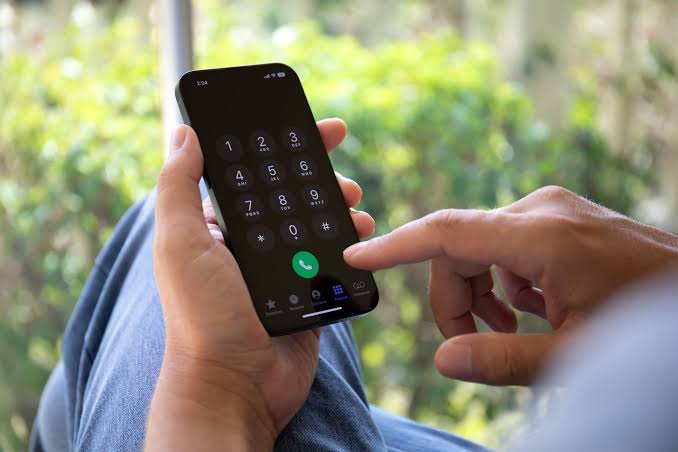
USSD linking is the most widely used method because it is simple, fast, and works on all types of phones, including basic feature phones. It does not require internet access, making it accessible to millions of Nigerians.
Each network provider has a dedicated USSD code that allows you to submit your NIN directly from your phone.
Read More On:
- 15 Common Phone Problems Nigerians Face And How to Fix Them Fast.
- How to Use Nervous System Regulation to Prevent Holiday Hosting Burnout.
- Turning Everyday Plastic into Timeless Stone Inspired Decor
How It Works
When you dial the correct USSD code, your network provider connects to the national database to verify your NIN. Once verified, your number is successfully linked.
Steps To Link Your NIN Using USSD
For MTN Nigeria users
Dial *785* your NIN number and then press the hash key
For Airtel Nigeria users
Dial *1211* your NIN number and then press the hash key
For Globacom users
Dial *109* your NIN number and then press the hash key
For T2 Mobile users
Dial *2008* your NIN number and follow the prompt
After submitting, you will receive a confirmation message if the process is successful.
2. Linking Your NIN Through Network Mobile Apps
Why This Method Is Effective
Many telecom providers in Nigeria now offer mobile apps that allow users to manage their accounts easily. These apps provide a more user friendly interface and reduce the chances of errors during submission.
This method is ideal for smartphone users who prefer a guided process.
How It Works
Once you log into your network app, you will find an option to link your NIN. The app will prompt you to enter your NIN and verify your identity.
Steps To Link Your NIN Using Mobile Apps
- Download your network provider app from your app store
- Log in using your phone number
- Locate the NIN linking section
- Enter your NIN correctly
- Submit and wait for confirmation
This method is reliable and allows you to track the status of your request.
3. Linking Your NIN Via Network Websites
Why This Method Is Useful
If you prefer using a computer or have issues with USSD codes, linking your NIN through official network websites is a great option. It allows for more detailed input and is often more stable.
How It Works
Telecom companies provide secure online portals where users can input their NIN and phone number. The system then verifies the details with the national database.
Steps To Link Your NIN Online
- Visit your network provider official website
- Navigate to the NIN linking page
- Enter your phone number and NIN
- Submit the form
- Wait for confirmation via SMS or email
Ensure you use only official websites to avoid scams.
4. Linking Your NIN At Physical Service Centers
Why This Method Is Recommended
For individuals who are not comfortable with digital processes or have experienced errors, visiting a service center is the most reliable option. It also helps resolve complex issues like mismatched details.
How It Works
At the service center, trained staff assist you in linking your NIN. They may also verify your identity using biometric data.
Steps To Link Your NIN At A Service Center
- Visit your network provider service center
- Provide your phone number and NIN
- Submit any required identification
- Allow the staff to process your request
- Receive confirmation once completed
This method ensures accuracy and immediate assistance.
Read More On:
- 15 Legit Ways to Make Money Online in Nigeria
- Understanding AI Privacy and How to Stay Safe
- Wabi Sabi Living: How to Create Beautifully Imperfect Clay Pieces for Your Kitchen.
5. Linking Your NIN Using SMS Method
Why This Method Exists
Some network providers offer SMS based linking as an alternative to USSD. It is simple and convenient, especially when USSD services are experiencing delays.
How It Works
You send your NIN via SMS in a specified format to a designated number provided by your network.
Steps To Link Your NIN Using SMS
- Open your messaging app
- Type your NIN in the required format
- Send it to your network provider number
- Wait for a confirmation message
Always ensure you follow the correct format to avoid errors.
6. Linking Your NIN Through NIMC Enrollment Centers
Why This Method Is Important
If your NIN is not properly registered or your details are incorrect, you may need to visit a NIMC center. This ensures that your data is accurate before linking it to your SIM.
How It Works
Officials at the enrollment center update your records and help you link your NIN to your phone number.
Steps To Link Your NIN At NIMC Centers
- Visit a NIMC enrollment center
- Provide your NIN slip
- Verify your personal details
- Request SIM linking assistance
- Complete the process and get confirmation
This method is especially useful if you are facing repeated linking failures.
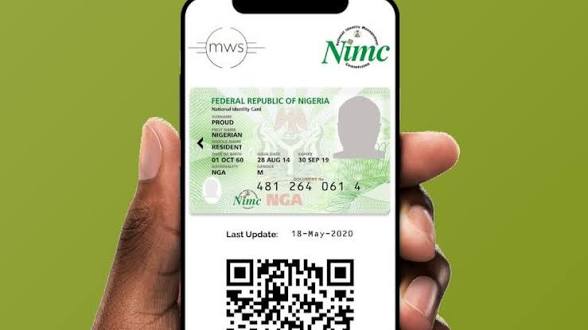
Common Problems When Linking NIN And How To Solve Them
Many Nigerians face issues during the linking process. Understanding these problems can help you fix them quickly.
Incorrect NIN entry
Ensure you enter your NIN correctly without mistakes
Network errors
Try again later or switch to another method
Mismatch of personal details
Visit a NIMC center to correct your information
No confirmation message
Wait for some time or retry the process
Important Tips For Successful NIN Linking
- Always double check your NIN before submitting
- Use official channels only
- Avoid sharing your NIN with unknown persons
- Keep your NIN slip safe
- Link all your SIM cards to avoid disconnection
Conclusion
Linking your NIN to your SIM card in Nigeria is a simple but essential process that every mobile user must complete. With multiple options available, you can choose the method that works best for you based on your convenience and device type.
By following the steps in this guide, you can complete your NIN linking quickly, avoid network restrictions, and continue enjoying uninterrupted communication and digital services.
Read More On: