

Latest How To News

How to Connect Your WhatsApp Business Account to Your Facebook Page
For many small businesses, WhatsApp has become the easiest way to stay…

How To Block All Bank ATM Cards In Nigeria If Stolen/Lost With Code
Losing your ATM card can be stressful, especially with the rising cases…
How to Locate an iPhone Using Google
Google’s Find My Device is mainly designed for Android phones. However, iPhone…
How to Find Your Device Using Google Find My Device
Losing your phone can be stressful, but thankfully, Google provides a free…

Why Google Ads Are Not Showing on Your Website (Fixes)
If you’ve added Google AdSense or any ad code to your website…
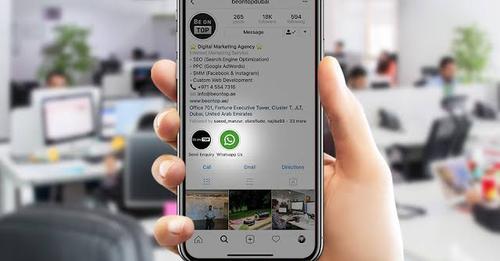
How to Link Your Instagram and WhatsApp Accounts
Instagram and WhatsApp are two of the most powerful tools for businesses…
How To Recover Hacked Facebook Account?
Facebook remains the world’s largest social media platform, which also makes it…
8 Simple Ways to remove Privacy Protection Password (Anti-theft)
The Privacy Protection Password, also known as Anti-Theft lock, was introduced on…
How to Call a Number That Blocked You in Nigeria
Getting blocked by someone can feel frustrating. You try to call, and…

“Add Yours” on WhatsApp Status: Let Friends Respond to Your Status With Their Own
WhatsApp has introduced a new way to make Status updates more engaging:…