


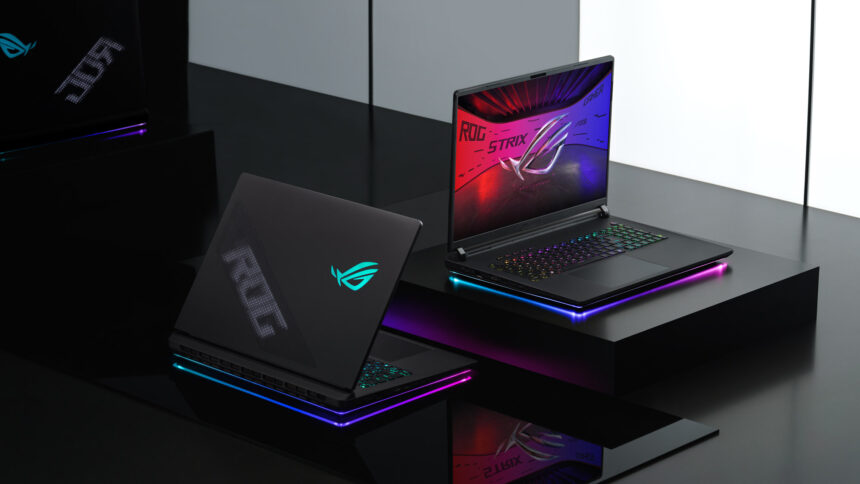
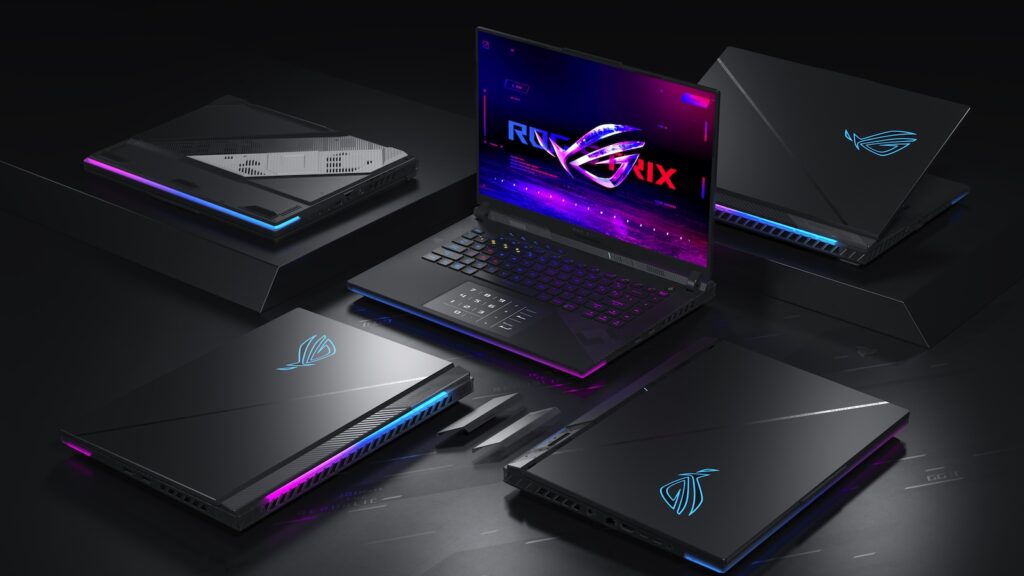
For years, high performance gaming laptops have attempted to bridge the gap between portability and raw desktop class power. Most devices succeeded only partially, offering excellent gaming experiences while still making compromises in thermal performance, display quality, or sustained power delivery. The newest incarnation of the ASUS ROG Strix SCAR 18 changes that conversation entirely.
This machine is not designed for average users checking emails or browsing social media. It is engineered for enthusiasts who demand maximum frame rates, professional creators working with massive rendering workloads, AI developers handling local machine learning models, and esports competitors seeking uncompromised visual responsiveness.
What makes this system extraordinary is not simply the inclusion of powerful hardware. The real story lies in how ASUS has combined an advanced thermal architecture, desktop class power distribution, elite display technology, and future ready connectivity into a single chassis that behaves more like a high end workstation than a traditional gaming notebook.
For readers searching for the absolute peak of mobile computing performance, this detailed guide explores exactly how to maximize the capabilities of the ASUS ROG Strix SCAR 18, what makes its engineering so unique, and why it currently stands at the top of the premium gaming ecosystem.
Get TikTok SEO Cheat here
Understanding What Makes the SCAR 18 Different
Most gaming laptops are forced to reduce performance during heavy workloads because of thermal limitations. Once temperatures climb too high, processors and graphics chips automatically lower their speeds to prevent damage.
The SCAR 18 approaches this challenge differently.
Instead of treating cooling as an afterthought, ASUS designed the entire internal architecture around sustained high wattage performance. The machine can maintain an astonishing 320W total system power output under combined CPU and GPU workloads. That level of power delivery is typically associated with desktop gaming towers rather than portable systems.
This allows the laptop to sustain extremely high clock speeds during demanding activities such as:
- 4K video rendering
- AAA gaming with ray tracing
- AI model training
- 3D animation workflows
- Architectural visualization
- Unreal Engine development
- Heavy multitasking environments
For creators and gamers alike, the result is smoother long term performance without aggressive throttling.
How to Experience the Full Potential of the 4K 240Hz Mini LED Display
The display is arguably the centerpiece of the entire system.
Unlike conventional IPS panels, the SCAR 18 utilizes a next generation Mini LED Nebula HDR panel featuring over 2,000 local dimming zones. This dramatically improves contrast, black depth, and HDR accuracy.
Display Specifications Table
| Feature | Specification |
|---|---|
| Panel Size | 18 inch |
| Resolution | 3840 × 2400 |
| Refresh Rate | 240Hz |
| Response Time | 3ms |
| Brightness | Up to 1600 nits HDR |
| Display Technology | Mini LED |
| Aspect Ratio | 16:10 |
| HDR Support | Yes |
| Motion Technology | ROG Nebula ELMB |
How to Optimize the Display for Gaming
To fully benefit from the display technology:
- Enable the full 240Hz refresh rate inside Windows display settings.
- Activate HDR mode for supported games and media.
- Use NVIDIA G Sync to reduce screen tearing.
- Enable Nebula ELMB for sharper motion clarity in competitive shooters.
- Adjust local dimming settings for improved cinematic contrast during dark scenes.
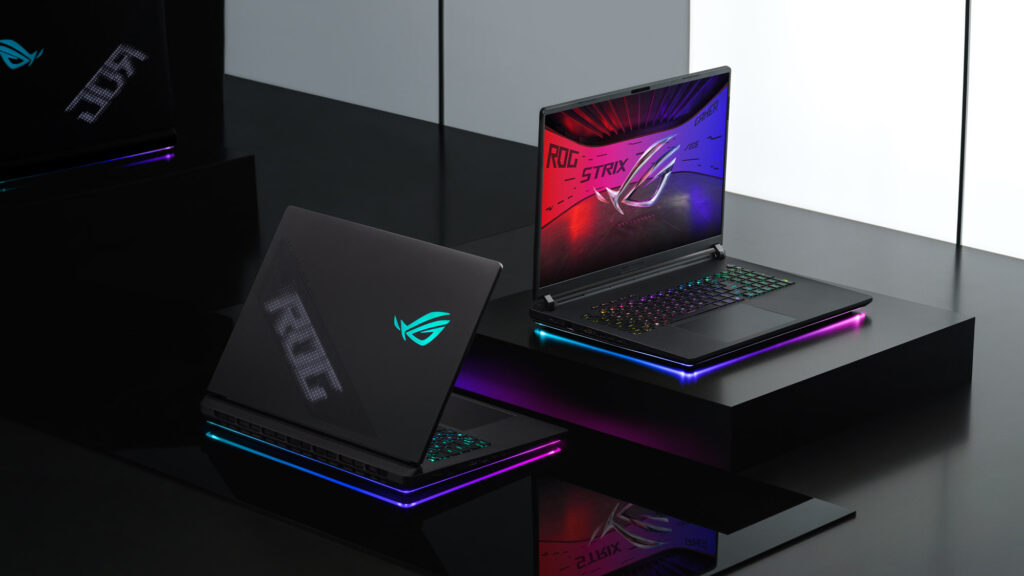
The visual result is stunning. Bright neon environments appear intensely vivid while darker areas remain deep and shadow rich without visible blooming.
Games such as Cyberpunk 2077, Forza Horizon, and Call of Duty look exceptionally fluid and immersive on this panel.
How the Intel Core Ultra 9 Processor Delivers Desktop Grade Performance
At the heart of the machine sits the Intel Core Ultra 9 290HX Plus processor.
This processor features 24 cores arranged in a hybrid architecture consisting of:
- 8 high performance cores
- 16 efficiency cores
The chip can boost up to 5.5GHz under favorable thermal conditions.
CPU Performance Benefits
| Workload Type | Performance Advantage |
|---|---|
| Video Editing | Faster rendering times |
| Streaming | Better multitasking |
| Game Compilation | Reduced build duration |
| AI Workloads | Improved local processing |
| Coding Projects | Faster compile speeds |
| 3D Modeling | Smoother viewport responsiveness |
How to Unlock Maximum CPU Performance
To achieve the highest processor speeds:
- Open Armoury Crate software.
- Select Manual or Turbo mode.
- Connect the included 450W power adapter.
- Elevate the rear chassis slightly for improved airflow.
- Use Performance fan profiles during sustained rendering sessions.
These adjustments allow the CPU to maintain higher sustained wattage without premature thermal limitations.
How the RTX 5090 Laptop GPU Changes Mobile Gaming
The NVIDIA GeForce RTX 5090 Laptop GPU transforms the SCAR 18 into a true desktop replacement.
Equipped with 24GB of GDDR7 memory and advanced AI acceleration capabilities, the GPU handles modern workloads with extraordinary ease.
GPU Specifications Table
| Feature | Specification |
|---|---|
| GPU | NVIDIA RTX 5090 Laptop |
| VRAM | 24GB GDDR7 |
| Maximum TGP | 175W |
| DLSS Support | DLSS 4.5 |
| Ray Tracing | Full Hardware Support |
| AI Performance | 1,824 AI TOPS |
How to Maximize RTX 5090 Gaming Performance
For optimal gaming results:
- Enable DLSS Frame Generation in supported games.
- Activate ray tracing selectively depending on title optimization.
- Use native 4K resolution for cinematic experiences.
- Lower shadows slightly in competitive games to increase frame rates.
- Keep GPU drivers updated through GeForce Experience.
This GPU excels not only in gaming but also in AI assisted creative applications, Blender rendering, and machine learning experimentation.
How ASUS Solved the Thermal Challenge
Managing 320W of combined power inside a portable chassis requires advanced engineering.
ASUS redesigned the cooling system entirely.
Key Cooling Technologies
| Cooling Component | Benefit |
|---|---|
| Triple Fan Layout | Increased airflow |
| Larger Vapor Chamber | Better heat transfer |
| Liquid Metal Cooling | Lower temperatures |
| Rear Exhaust Design | Faster heat dissipation |
| Intelligent Fan Curves | Balanced noise levels |
How to Maintain Cooler Operating Temperatures
Users can improve thermal efficiency further by:
- Cleaning air vents regularly
- Using a cooling stand
- Avoiding soft surfaces during gaming
- Updating BIOS firmware
- Running balanced fan profiles when not gaming
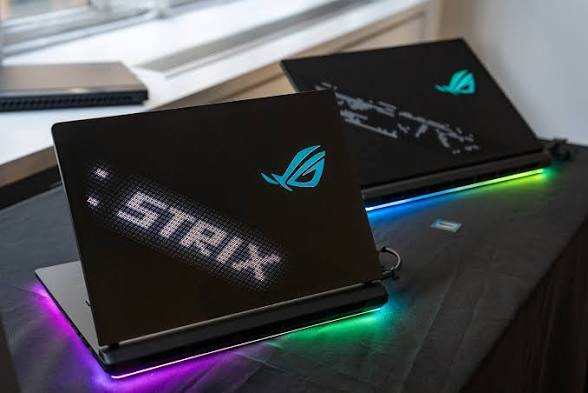
Despite the enormous power output, the cooling system manages temperatures surprisingly well under heavy sustained loads.
Full ASUS ROG Strix SCAR 18 Specifications
| Component | Specification |
|---|---|
| Processor | Intel Core Ultra 9 290HX Plus |
| Graphics | NVIDIA RTX 5090 Laptop GPU |
| Display | 18 inch 4K 240Hz Mini LED |
| RAM | Up to 128GB DDR5 6400 |
| Storage | Up to 8TB PCIe Gen 5 SSD |
| Wireless | Wi Fi 7 + Bluetooth 5.4 |
| Ethernet | 2.5G LAN |
| USB Ports | USB A + Thunderbolt 5 |
| HDMI | HDMI 2.1 |
| Battery | 90Wh |
| Weight | 3.7kg |
How to Upgrade Memory and Storage
One major strength of the SCAR 18 is its long term upgrade flexibility.
Users can access the lower chassis panel without complex disassembly procedures.
Recommended Upgrade Strategy
For Gamers
- 32GB RAM minimum
- 2TB SSD configuration
For Creators
- 64GB or 128GB RAM
- 4TB or 8TB storage setup
For AI Developers
- Maximum memory configuration
- Dedicated project SSD drives
The support for PCIe Gen 5 storage ensures extremely fast file transfer and loading speeds.
Who Should Buy the ASUS ROG Strix SCAR 18?
This machine is best suited for:
- Professional video editors
- Competitive esports gamers
- 3D artists
- AI developers
- Streamers
- Engineers
- Power users replacing desktop systems
It is less ideal for users prioritizing lightweight portability or long battery endurance.
Final Verdict
The ASUS ROG Strix SCAR 18 represents the absolute upper tier of modern mobile computing. Every component inside the system has been engineered around one goal: delivering uncompromised desktop class performance inside a portable chassis.
Its breathtaking 4K 240Hz Mini LED display, elite RTX 5090 graphics performance, monstrous CPU capabilities, and revolutionary cooling system place it in a category few devices can approach.
For users seeking the ultimate desktop replacement experience with virtually no performance ceiling, the SCAR 18 stands as one of the most ambitious gaming machines ever created.
Read More On:

