


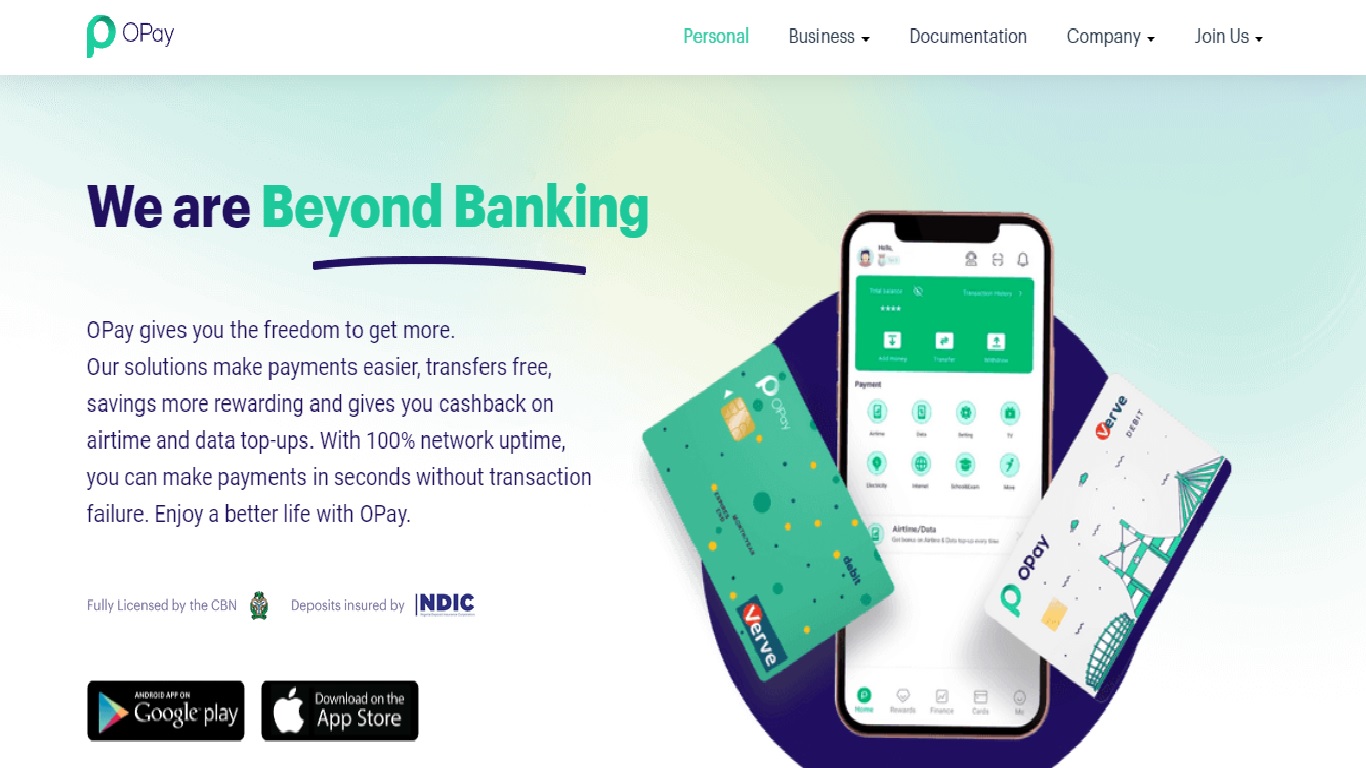
Opening an OPay account in Nigeria is quick, easy, and convenient. Whether you’re an individual, business, or organization, OPay offers a reliable platform for fast and secure transactions. With OPay, you can send and receive money, pay bills, top up airtime, access loans, and even use services like ride-hailing and food delivery — all from your mobile device.
If you’ve been looking for a step-by-step guide to open an OPay account, fund your wallet, and enjoy its benefits, you’re in the right place.
What is OPay?
OPay is a Nigerian financial technology (fintech) company that has expanded across Africa. Founded in 2018 by Opera Software, the company is designed to make mobile payments, money transfers, and other financial transactions simple and fast.
Today, OPay offers a wide range of services including:
Get TikTok SEO Cheat here
- Mobile payments and money transfers
- Bill payments (DSTV, GOTV, WAEC, government levies, etc.)
- Airtime recharge and Cowry Card funding
- Transportation services
- Food delivery
- Loans through Okash
Its popularity comes from ease of use, low fees, speed, and financial inclusion, helping people who previously had limited access to banking services.
Opay has grown in popularity in Nigeria as a result of its ease of use, low costs, and diverse variety of services. Many POS agents use the platform. The platform has also aided in improving financial inclusion in the country by allowing people who previously did not have access to financial services to do so.
Before diving into how to open an Opay account, let’s show you what you need.
Requirements to Open an OPay Account
Before creating your OPay account, you’ll need:
- A smartphone with internet access
- A registered phone number in your name
- A valid ID: National ID, driver’s license, or international passport
- Bank Verification Number (BVN) — ensures your account is secure
- A bank account — to link for transactions
- Profile photo — a recent clear picture
- (Optional) Email address — useful for password recovery
Step-by-Step Guide to Open an OPay Account
You can open an OPay account via the mobile app or the OPay website, but using the app is recommended for convenience. Here’s how:
1. Download the OPay App
- Android users: Download from the Google Play Store
- iPhone users: Download from the Apple App Store
Once installed, open the app.
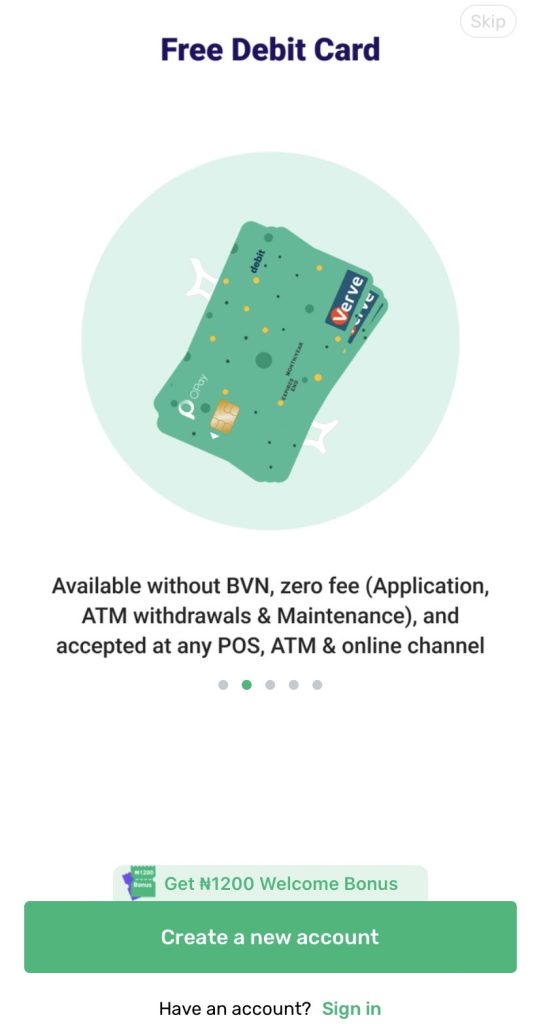
2. Create a New Account
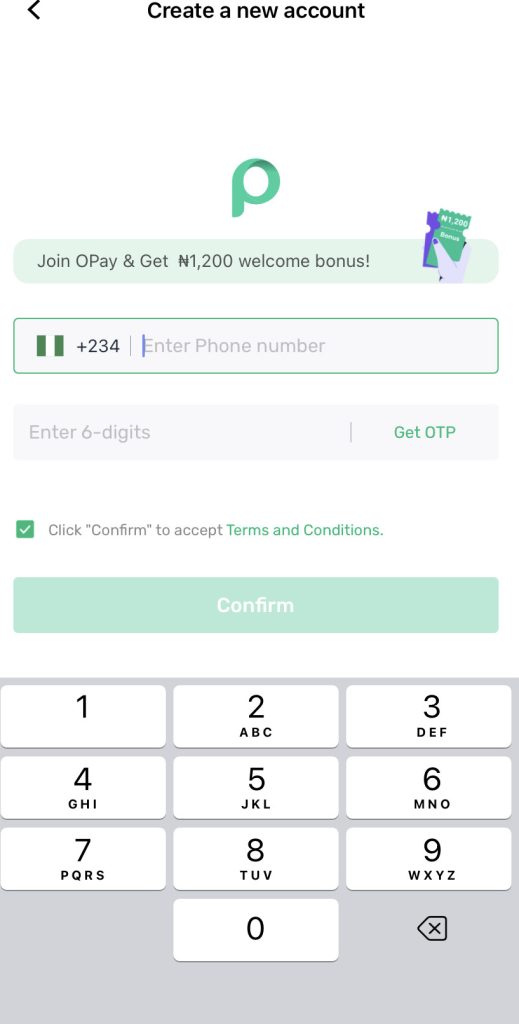
- Tap Create a new account.
- Enter your registered phone number. An OTP will be sent to verify it.
- Input the OTP and tap Confirm.
3. Enter Personal Information
- Fill in your full name, phone number, and email address
- Set a password
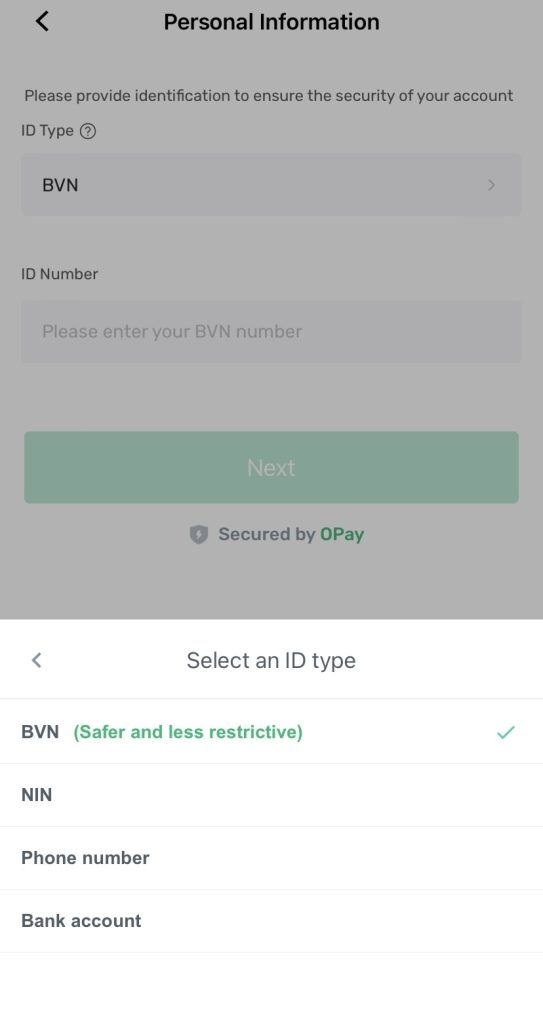
- Provide identification: BVN is recommended for account safety
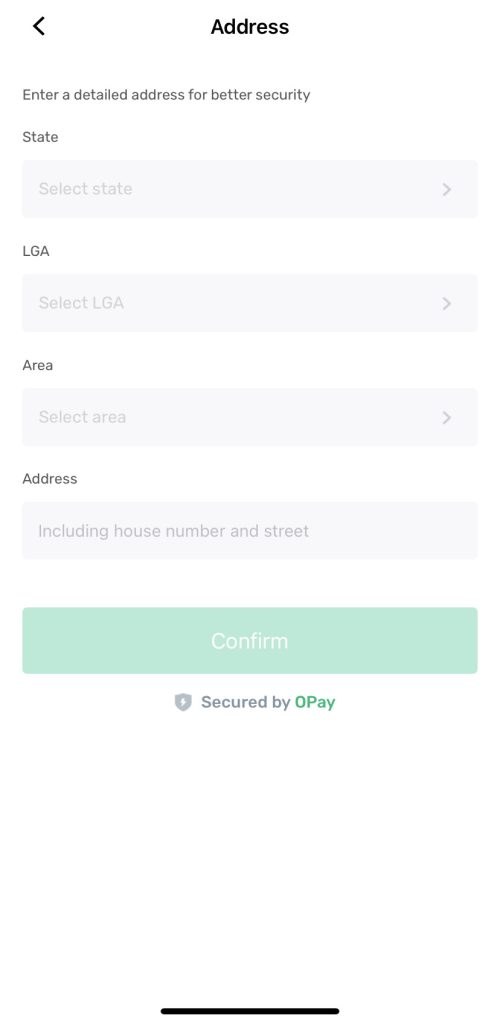
- Enter your address: State, LGA, area, and house address
- Create a six-digit PIN for secure transactions
Opay recommends using your BVN because it is safer and your account will not be limited.
You will also need to give your address. Opay requires your state, LGA, area and house address. Once you have entered the correct information into the following fields, you can proceed by clicking on “confirm.”
You will also be asked to create a six-digit pin. Ensure that the pin you input is one you can easily remember.
4. Accept Terms and Conditions
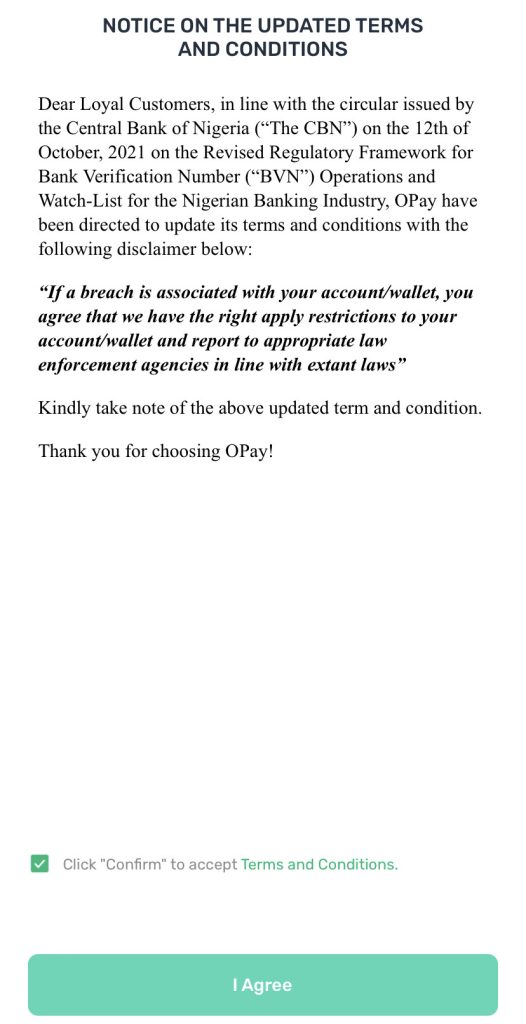
Tick the box to agree to OPay’s terms and conditions and tap I Agree.
Once confirmed, your account will be successfully created. You can also link your email to further secure your account.
Once done, Opay brings another page to tell you that your account has been created successfully. You can decide to secure your account with your email.
5. Fund Your OPay Wallet
Once your account is active, you can fund your OPay wallet using several options:
- OPay Partner Merchants: Pay for goods or services using your wallet at participating stores.
- Bank Transfer: Use the OPay account details in the app to transfer funds from your bank.
- Debit/Credit Card: Link your card and add money directly from your bank account.
- Cash Deposit: Visit any OPay agent or partner bank, provide your phone number, and deposit cash.
5. Fund Your OPay Wallet
Once your account is active, you can fund your OPay wallet using several options:
- OPay Partner Merchants: Pay for goods or services using your wallet at participating stores.
- Bank Transfer: Use the OPay account details in the app to transfer funds from your bank.
- Debit/Credit Card: Link your card and add money directly from your bank account.
- Cash Deposit: Visit any OPay agent or partner bank, provide your phone number, and deposit cash.
Conclusion
OPay is a leading fintech platform in Nigeria, designed to simplify financial transactions and everyday services. With an OPay account, you can enjoy fast, secure, and convenient mobile payments along with a host of other services that make life easier.
Opening your OPay account is straightforward: download the app, verify your details, set up your account, and fund your wallet.
If you found this guide helpful, share it with friends or family who want to open an OPay account. Start enjoying the benefits of seamless mobile banking today!

