


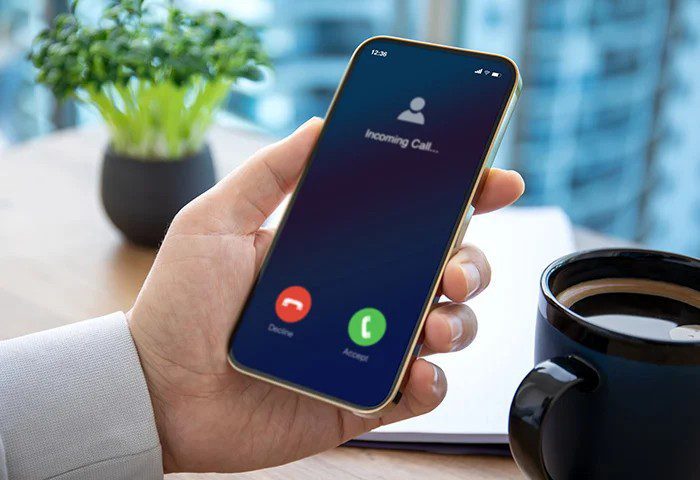
Spam calls and scam messages have become one of the most frustrating digital problems in today’s connected world. Whether it is fake loan offers, phishing links, impersonation of banks, or persistent robocalls, these unwanted communications can waste your time, drain your finances, and even compromise your personal data.
If you have ever received suspicious calls or text messages claiming you won a prize, need to verify your bank details, or must act urgently to avoid account suspension, you are not alone. Millions of people across the world face this daily.
This comprehensive guide will walk you through everything you need to know about blocking spam calls and scam SMS effectively. You will learn practical steps, tools, and strategies that work on both Android and iPhone devices, along with extra safety tips to keep you protected long term.
Understanding Spam Calls and Scam SMS
Before learning how to block them, it is important to understand what you are dealing with.
Get TikTok SEO Cheat here
What Are Spam Calls?
Spam calls are unsolicited phone calls sent in bulk, usually for advertising, fraud, or malicious purposes. These may include robocalls, fake customer service calls, or callers pretending to be from legitimate organizations.
What Are Scam SMS?
Scam SMS are fraudulent text messages designed to trick you into revealing sensitive information such as passwords, bank details, or personal identification numbers. Many contain links that lead to fake websites.
Why You Are Being Targeted?
There are several reasons why your number might receive spam:
- Your number was leaked through data breaches
- You signed up for services that sold your data
- Your number was randomly generated by spam systems
- You responded to a previous scam unknowingly
Understanding this helps you take preventive action.
How to Block Spam Calls on Android Devices
Android phones offer multiple built in and third party solutions.
1. Use Built In Call Blocking Features
Most Android phones have built in call blocking.
Steps to follow:
- Open your Phone app
- Tap on recent calls
- Select the number you want to block
- Tap Block or Report Spam
This prevents the number from calling you again.
2. Enable Caller ID and Spam Protection
Many Android devices come with Google’s spam detection feature.
Steps:
- Open Phone app
- Go to Settings
- Tap Caller ID and Spam
- Turn on Filter spam calls
This automatically identifies and filters suspicious numbers.
3. Use Do Not Disturb Mode Strategically
You can allow calls only from saved contacts.
Steps:
- Go to Settings
- Tap Sound or Notifications
- Select Do Not Disturb
- Allow calls only from contacts
This blocks unknown callers entirely.
4. Install Trusted Spam Blocking Apps
There are reliable apps that provide advanced protection:
- Truecaller
- Hiya
- Call Control
These apps maintain databases of known spam numbers and block them automatically.
How to Block Spam Calls on iPhone
Apple devices also provide effective tools.
1. Block Individual Numbers
Steps:
- Open Phone app
- Go to Recents
- Tap the info icon beside the number
- Scroll down and tap Block Caller
2. Silence Unknown Callers
This is a powerful feature.
Steps:
- Go to Settings
- Tap Phone
- Enable Silence Unknown Callers
Calls from unknown numbers will not ring and will go directly to voicemail.
3. Use Third Party Apps
Apps like Truecaller and Hiya are also available on iOS and can filter spam calls effectively.
Read More On: 8 Best Fitness Apps That Actually Work.
How to Block Scam SMS on Android
Text message scams are increasing rapidly, but Android provides strong defenses.
1. Block Numbers from Messaging App
Steps:
- Open Messages app
- Open the spam message
- Tap the three dot menu
- Select Block and Report Spam
2. Enable Spam Protection in Messages
Google Messages has built in protection.
Steps:
- Open Messages
- Tap Settings
- Select Spam Protection
- Turn it on
This filters suspicious messages automatically.
3. Avoid Clicking Unknown Links
Never click links from unknown senders. These links may install malware or steal your data.
How to Block Scam SMS on iPhone
1. Filter Unknown Senders
Steps:
- Go to Settings
- Tap Messages
- Enable Filter Unknown Senders
Messages from unknown numbers will be separated from your main inbox.
2. Report Junk Messages
Steps:
- Open the message
- Tap Report Junk
- Delete the message
This helps Apple improve spam detection.
Advanced Methods to Stop Spam Completely
Blocking individual numbers is helpful, but scammers often use multiple numbers. These advanced strategies offer stronger protection.
1. Register for Do Not Disturb Services
Many countries provide telecom services that reduce spam calls. Contact your network provider and ask about call filtering options.
2. Never Share Your Phone Number Publicly
Avoid posting your number on:
- Social media profiles
- Public forums
- Unsecured websites
3. Use Secondary Numbers for Online Registrations
Instead of using your main number, use a secondary SIM or virtual number for sign ups.
4. Be Careful with Permissions
Some apps request access to your contacts and phone data. Only grant permissions to trusted apps.
5. Recognize Common Scam Patterns
Watch out for messages that:
- Create urgency such as act now or your account will be closed
- Promise rewards or winnings
- Ask for personal or financial information
- Contain suspicious links
How to Report Spam Calls and SMS
Reporting helps authorities track and stop scammers.
Where to Report
- Your mobile network provider
- National telecom authorities
- Consumer protection agencies
In Nigeria, you can report spam to your network provider or the Nigerian Communications Commission.
Read More On: 9 Ways to Create Strong Passwords You Can Remember
Signs a Call or SMS Is a Scam
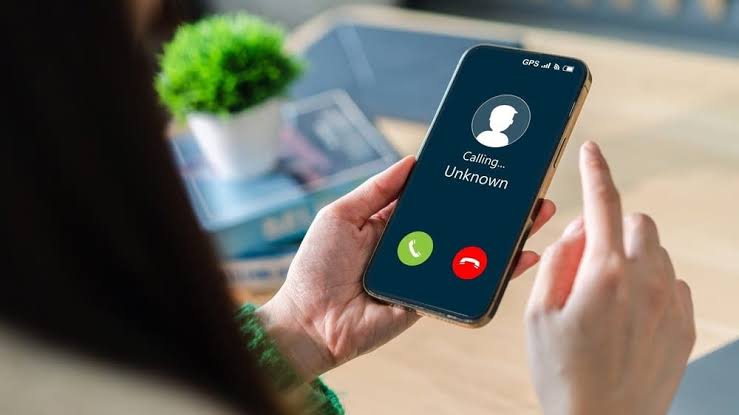
Understanding red flags is key to staying safe.
Common signs include:
- Unknown international numbers
- Requests for OTP or PIN
- Poor grammar or unusual wording
- Messages claiming to be from your bank without proper verification
- Calls asking for immediate payment
What to Do If You Already Responded to a Scam
If you have already interacted with a scam:
Take these steps immediately:
- Contact your bank and secure your accounts
- Change all passwords
- Enable two factor authentication
- Run a security scan on your device
- Inform your network provider
Quick action can prevent further damage.
Best Practices to Stay Protected Long Term
To maintain long term protection:
- Regularly update your phone software
- Use strong and unique passwords
- Install apps only from official stores
- Educate yourself about new scam tactics
- Keep your personal information private
Conclusion
Spam calls and scam SMS are not going away anytime soon, but the good news is that you have full control over how much they affect you. By using built in phone features, installing trusted apps, and practicing safe digital habits, you can significantly reduce or completely eliminate these unwanted interruptions.
Consistency is key. The more proactive you are in blocking and reporting spam, the safer your digital life becomes.
Read More On: 10 Mistakes to Avoid When Using Digital Payment Apps

