


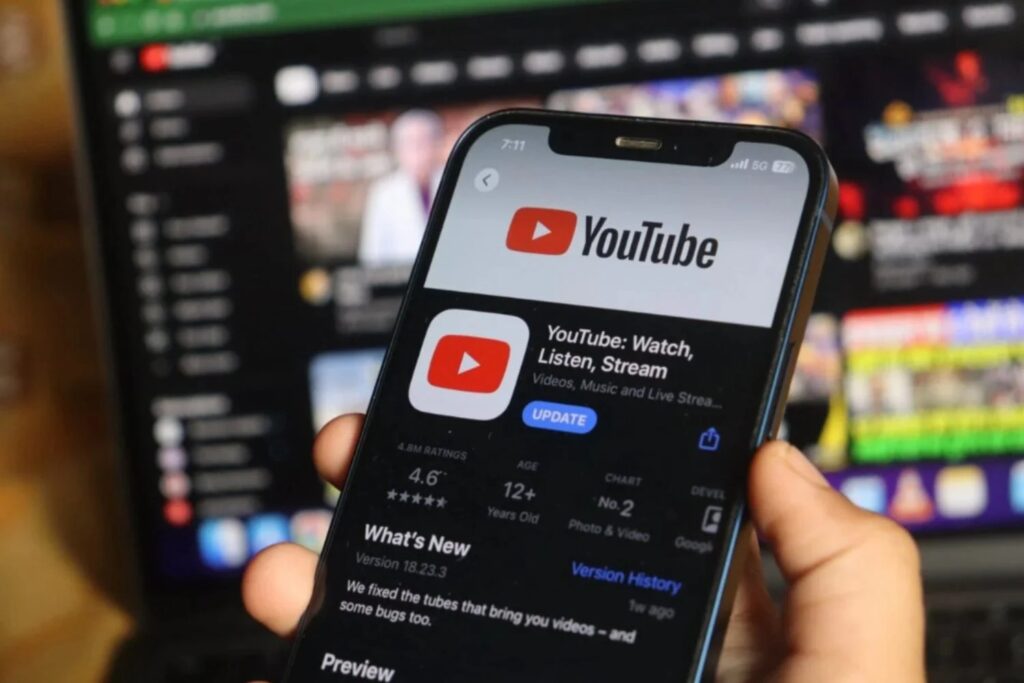
Imagine you are at the Murtala Muhammed International Airport, ready to board a six hour flight to London. You have found the perfect documentary series or a playlist of educational tutorials to keep you occupied, but as soon as the cabin doors close and your phone enters Airplane Mode, your entertainment vanishes. Without a stable internet connection, YouTube becomes a blank screen. This is a common frustration for many Nigerians who deal with fluctuating data speeds or high roaming costs while traveling.
The desire to save content for later is universal, but it comes with a significant catch: the legalities of the process. While the internet is flooded with third party websites promising free downloads, many of these platforms operate in a legal gray area or outright violate the terms of service set by Google. More importantly, these unauthorized sites often bundle malware or intrusive trackers that can compromise your digital security.
In this guide, we provide a comprehensive technology solution for downloading YouTube videos legally. We will break down the official methods provided by the platform, discuss the nuances of regional availability, and show you how to manage your device storage so your offline library does not slow down your smartphone. By sticking to the official pathways, you ensure that creators still get the support they deserve while you enjoy uninterrupted access to the content you love.
Downloading vs. Streaming
Before diving into the technical steps, it is essential to understand why “how” you download matters. YouTube is a platform built on an advertising and subscription model. When you use unauthorized third party “rippers” to save a video, you are bypassing the mechanisms that allow creators to earn a living.
Get TikTok SEO Cheat here
According to the official Terms of Service, you are not permitted to download any content unless you see a download button or similar link displayed by YouTube on the service for that specific content. Accessing videos through unofficial means can lead to account termination or, in extreme cases, legal notices. By using the methods outlined below, you remain within the boundaries of the law and the platform’s community guidelines.
Method 1: YouTube Premium (The Gold Standard)
YouTube Premium is the primary official method for saving content. It is a paid subscription service that provides an ad free experience and the ability to download videos directly within the mobile app.
Detailed Step by Step Process:
- Subscription Activation: Open your YouTube app and tap on your profile icon. Select “Get YouTube Premium.” In Nigeria, the pricing is localized, making it significantly more affordable than in the US or UK.
- Finding Your Video: Once your subscription is active, navigate to any video you wish to save.
- The Download Trigger: Beneath the video player, next to the “Share” and “Remix” buttons, you will see a “Download” icon. Tap this once.
- Selecting Quality: A pop up menu will appear asking for your preferred resolution. Options typically range from Low (144p) to Full HD (1080p). Note that higher quality consumes more storage space and data during the initial download.
- The Progress Indicator: Once selected, the icon will turn blue and show a rotating circle. A banner at the bottom will notify you when the download is complete.
Why this is the best solution:
YouTube Premium downloads are encrypted and stored within the app. This means you do not have to worry about file formats or compatibility issues. Furthermore, it allows for “Background Play,” meaning you can listen to the audio of your downloaded video even while using other apps like WhatsApp or Instagram.
Method 2: YouTube Mobile App (Free Regional Downloads)
In many developing markets, including Nigeria, YouTube allows for a limited selection of videos to be downloaded for free without a Premium subscription. This is part of a global initiative to make education and information accessible in areas with expensive data.
Expressive Details on Free Offline Access:
- The Catch: Not all videos are eligible. If a creator has marked their content as “Premium Only” or if it contains copyrighted music, the download button will be greyed out or will prompt you to join Premium.
- Ad Integration: Unlike Premium, these free downloads may still require you to watch a brief ad before the video starts offline, or the app might require you to reconnect to the internet every 48 hours to refresh the “ad license.”
- Standard Definition: Free downloads are often capped at 360p or 720p to save on global bandwidth.
Method 3: YouTube Music Offline Integration
For many users, YouTube is primarily a music discovery tool. If your goal is to save music videos or live performances, the YouTube Music app offers a more specialized experience.
Detailed Breakdown of the Smart Downloads Feature:
- Smart Downloads: Within the YouTube Music settings, you can enable “Smart Downloads.” This feature automatically saves up to 500 songs based on your previous listening history whenever you are connected to Wi-Fi.
- Manual Saving: Just like the main app, you can tap the three dots next to any song or album and select “Download.”
- Audio Only Mode: One of the most detailed benefits here is the ability to toggle between “Video” and “Song.” By selecting “Song,” you download only the audio file, which saves massive amounts of storage compared to a full 1080p video file.
Method 4: Managing Storage and Video Quality
A common problem with downloading technology is that users quickly run out of space on their devices. Proper storage management is part of a complete solution.
| Feature | Low Quality (144p) | Standard (360p) | High (720p) | Full HD (1080p) |
|---|---|---|---|---|
| Data Usage | ~50MB per hour | ~250MB per hour | ~800MB per hour | ~1.5GB+ per hour |
| Storage Impact | Negligible | Moderate | High | Very High |
| Ideal For | Podcasts / News | General Viewing | Action Movies | Travel Documentaries |
How to Optimize Your Storage:
- SD Card Selection: If you are using an Android device with expandable storage, go to YouTube Settings > Downloads > and toggle on “Use SD Card.” This keeps your internal phone memory free for apps and system updates.
- Auto Delete: Periodically visit your “Library” tab, go to “Downloads,” and remove content you have already watched. This prevents the “Storage Full” notification from interrupting your next download.
Identifying Official vs. Third Party Tools (The Grey Area)
It is common to see websites like “Y2Mate” or “SaveFrom” appearing in search results. While these tools function, they are not official technology solutions. They often work by scraping the video stream, which is a direct violation of YouTube’s code.
From a digital marketing and security perspective, using these sites is risky. Most of these platforms generate revenue through “malvertising.” When you click “Download,” you might be redirected to sites that attempt to install “Cleaner” apps or “Antivirus” software that are actually bloatware. Stick to the official app to ensure your device remains healthy and your data remains private.
Frequently Asked Questions
- How long do downloaded videos stay on my phone? As long as your device connects to the internet at least once every 30 days, the videos will remain. If you go offline for more than a month, YouTube will expire the downloads to ensure that content creator rights are still valid.
- Can I move the downloaded video to my gallery or a flash drive? No. Legally downloaded videos through the YouTube app are encrypted. They can only be viewed within the YouTube interface. This is to prevent piracy and unauthorized distribution of content.
- Does downloading use more data than streaming? No, it uses exactly the same amount of data as streaming the video once at that specific quality. However, the benefit is that you only pay that data cost once, no matter how many times you rewatch the video.
Final Thoughts
In an era where data costs are rising and connectivity is not always guaranteed, mastering the legal ways to view content offline is a vital digital skill. Whether you are using the free regional download feature or investing in a Premium subscription for an ad free experience, the key is to use the official tools provided by Google. This not only protects your device from the various risks associated with third party sites but also supports the digital economy and the creators who provide the content we consume daily.
By following this how to guide, you can build a robust offline library that ensures you are never without entertainment, regardless of your location or internet status.
Read More On:

