


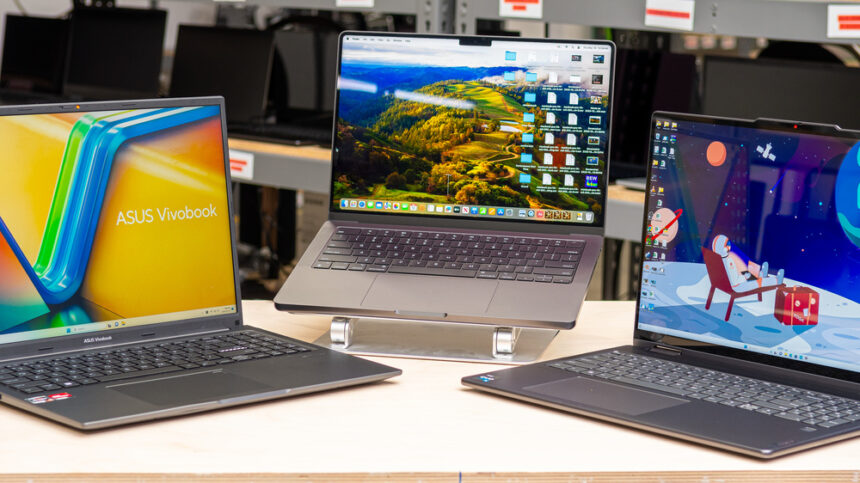
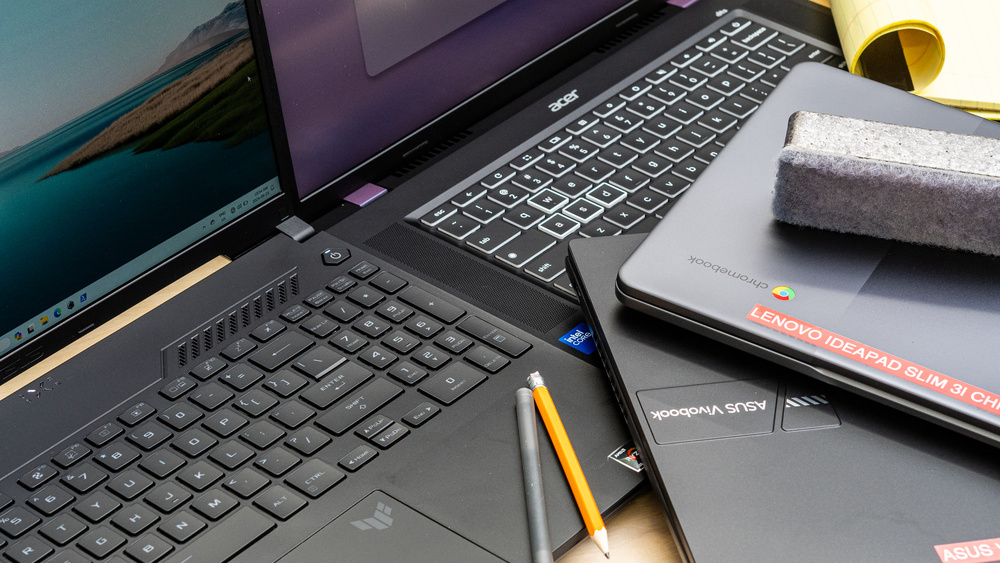
Buying a laptop for college is no longer just about picking the cheapest device available on a store shelf. A student laptop has become a complete academic workstation. It handles online lectures, digital note taking, assignment submissions, presentations, research, video conferencing, cloud collaboration, content creation, coding, and entertainment. For many students, it becomes the single most important educational tool they own.
The challenge most students face is balancing performance with affordability. Tuition fees, accommodation, transportation, textbooks, and everyday expenses already place enormous pressure on a student budget. Spending excessively on a laptop is often unrealistic. At the same time, purchasing an underpowered machine can lead to years of frustration, slow performance, overheating, poor battery life, and limited productivity.
Thankfully, modern budget laptops have improved dramatically. Affordable devices now include fast SSD storage, efficient multi core processors, Full HD displays, stronger battery efficiency, and improved build quality. Many budget laptops today perform better than premium machines from previous generations.
Before choosing a laptop, students should first identify how they intend to use the system daily. A journalism student who spends most of the day writing and browsing will prioritize portability and battery life. An engineering or computer science student may need stronger processors and more RAM for technical applications. Creative students in graphic design, architecture, or media production often require larger displays and improved graphics performance.
Get TikTok SEO Cheat here
This guide is designed as a practical buying roadmap rather than a simple review list. Instead of only discussing brands, it explains how students can identify the right specifications, avoid common buying mistakes, and choose a machine capable of surviving years of academic workload.
What Every Student Should Look for Before Buying a Laptop
1. Processor Performance
The processor acts as the brain of the laptop. It determines how quickly applications open, how smoothly multitasking operates, and how efficiently the system handles demanding workloads.
For most students, modern Intel Core i5 or AMD Ryzen 5 processors offer the best balance between price and performance. Students involved in programming, engineering simulations, or video editing may benefit from Ryzen 7 or Intel Core i7 processors.
Avoid extremely low powered processors because they often struggle with multitasking after prolonged use.
2. RAM Capacity
RAM controls how many applications your laptop can handle simultaneously.
| RAM Capacity | Recommended Usage |
|---|---|
| 4GB | Not recommended for modern college workloads |
| 8GB | Ideal minimum for most students |
| 16GB | Best for creative work, coding, and heavy multitasking |
A laptop with insufficient RAM becomes frustratingly slow once multiple browser tabs and applications are opened simultaneously.
3. Storage Type
Always prioritize SSD storage.
| Storage Type | Performance Level |
|---|---|
| HDD | Slow |
| eMMC | Basic and limited |
| SSD | Fast and highly recommended |
A 256GB SSD is the practical minimum for college students, while 512GB offers more flexibility for software installations and large project files.
4. Battery Life
Students constantly move between lecture halls, libraries, hostels, cafés, and study centers. A laptop with poor battery life creates dependency on wall sockets throughout the day.
Aim for systems capable of lasting at least 7 hours under mixed academic usage.
Best Overall Budget Laptop: Acer Aspire Go 15
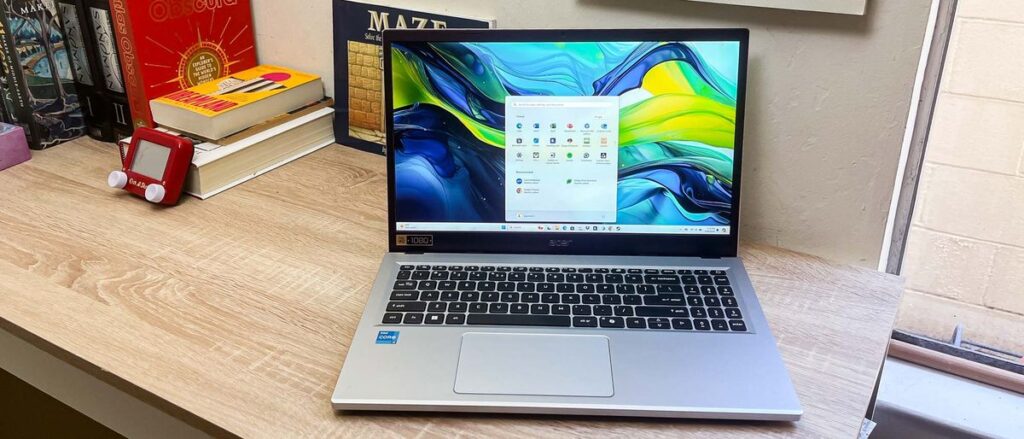
The Acer Aspire Go 15 stands out because it successfully balances affordability, usability, and practical student needs without sacrificing essential performance.
Why It Works for Students
The 15.6 inch Full HD display provides generous workspace for multitasking. Students can comfortably keep lecture notes open while simultaneously writing essays or conducting research.
Its keyboard includes a dedicated numeric keypad, making it particularly useful for accounting, finance, statistics, and engineering students who frequently enter numerical data.
The laptop also benefits from efficient cooling and dependable day to day responsiveness.
Typical Specifications
| Specification | Details |
|---|---|
| Display | 15.6 inch Full HD |
| Processor | Intel Core or AMD Ryzen |
| RAM | 8GB DDR5 |
| Storage | 256GB or 512GB SSD |
| Battery Life | Around 7 to 9 hours |
| Weight | Moderate |
Ideal For
Humanities, business administration, education, and general university workloads.
Best Lightweight Laptop: HP Pavilion Aero 13
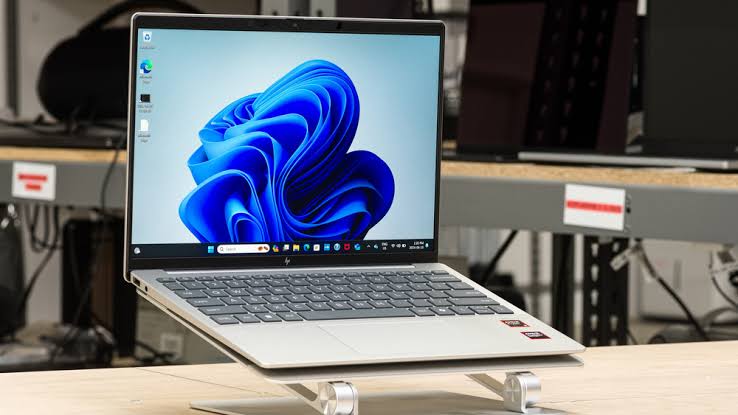
Students who spend the entire day walking across campus often prioritize portability above everything else. The HP Pavilion Aero 13 excels in this category.
Why Portability Matters
Heavy laptops become exhausting during long academic schedules. A lightweight machine reduces shoulder strain and makes transportation significantly easier.
The Pavilion Aero 13 weighs under 1 kilogram while still delivering strong performance.
Key Advantages
The 16:10 aspect ratio display provides additional vertical space for reading articles, PDFs, and lecture notes. Its magnesium aluminum chassis gives the device a premium appearance while maintaining durability.
Despite its compact size, the laptop handles multitasking remarkably well.
Typical Specifications
| Specification | Details |
|---|---|
| Display | 13.3 inch Full HD |
| Processor | AMD Ryzen 5 or Ryzen 7 |
| RAM | 8GB or 16GB |
| Storage | 512GB SSD |
| Battery Life | Excellent |
| Weight | Extremely lightweight |
Ideal For
Students constantly moving between classes, libraries, and study locations.
Best for Productivity and Typing: Lenovo IdeaPad Slim 3
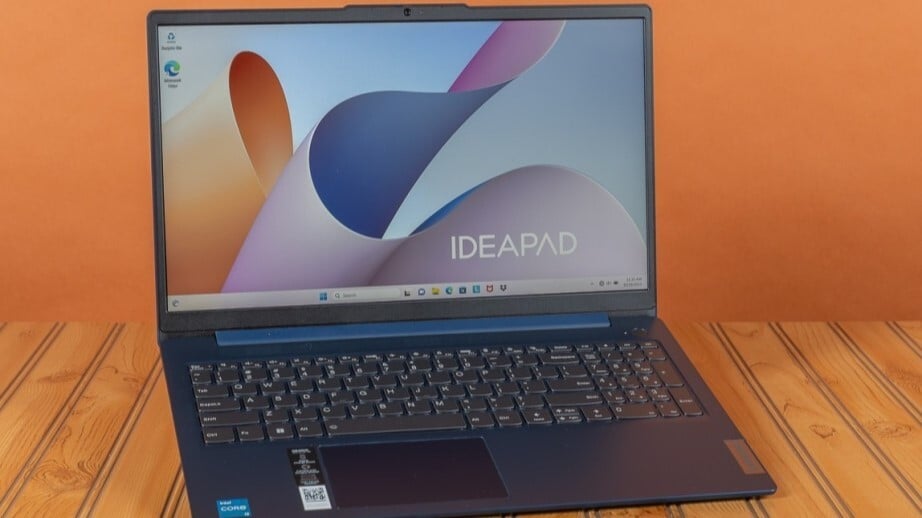
The Lenovo IdeaPad Slim 3 is built for students who spend long hours typing assignments, writing reports, coding, or conducting research.
What Makes It Special
Lenovo keyboards are widely respected for comfort and responsiveness. Long typing sessions feel less fatiguing due to the slightly curved ergonomic key design.
The touchscreen display also improves navigation during multitasking.
Typical Specifications
| Specification | Details |
|---|---|
| Display | 15.6 inch Full HD Touchscreen |
| Processor | AMD Ryzen 5 or Intel Core i5 |
| RAM | 8GB to 16GB |
| Storage | 512GB SSD |
| Battery Life | 7 to 8 hours |
| Extra Feature | Webcam privacy shutter |
Ideal For
Computer science students, writers, researchers, and office productivity users.
Best for Creative Students: ASUS VivoBook 16
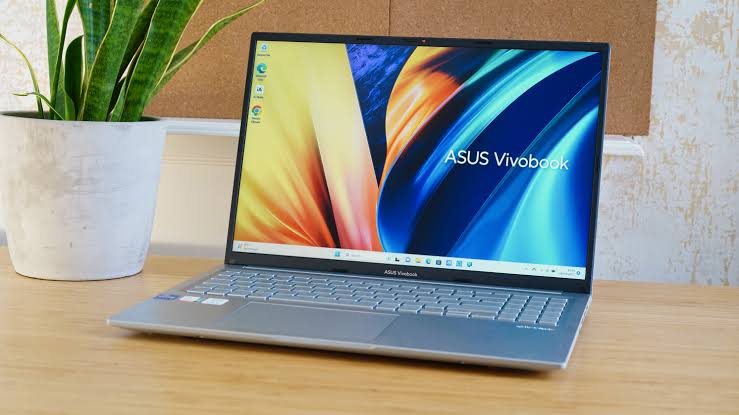
Creative disciplines often require larger displays and stronger multitasking capability. The ASUS VivoBook 16 addresses these needs effectively.
Why Display Size Matters
Graphic design, video editing, architecture drafting, and media production become easier on larger screens. More screen space allows better timeline editing, larger design canvases, and improved workflow visibility.
Durability Advantage
The VivoBook series is engineered to meet military grade durability testing standards, making it better suited for demanding student lifestyles.
Typical Specifications
| Specification | Details |
|---|---|
| Display | 16 inch Full HD |
| Processor | AMD Ryzen or Intel Core |
| RAM | Up to 16GB |
| Storage | 512GB SSD |
| Graphics | Enhanced integrated graphics |
| Build | Durable chassis |
Ideal For
Creative arts, architecture, media studies, and design students.
Best Performance Value: HP 15 Ryzen 7 Edition
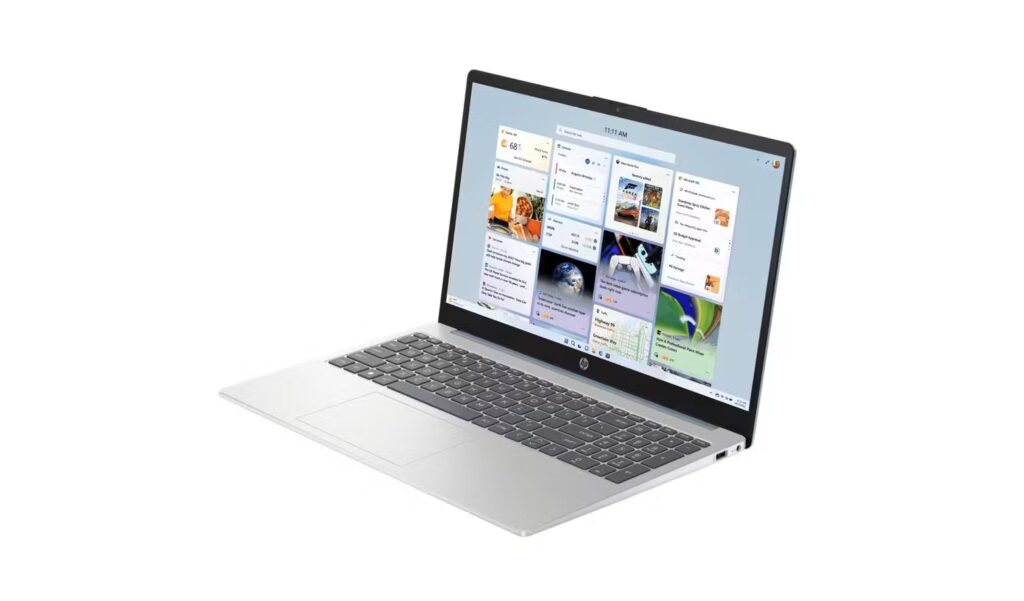
Students needing raw computing power at a lower price point will appreciate the HP 15 Ryzen 7 Edition.
Performance Benefits
Its 8 core Ryzen processor handles coding environments, advanced spreadsheets, statistical software, and multitasking workloads extremely well.
This makes it particularly attractive for engineering, finance, and software development students.
Typical Specifications
| Specification | Details |
|---|---|
| Display | 15.6 inch Full HD Anti Glare |
| Processor | AMD Ryzen 7 |
| RAM | 8GB to 16GB |
| Storage | 512GB SSD |
| Battery Life | Moderate |
| Strength | Multi core performance |
How to Make Your Laptop Last Throughout College
Use a Protective Sleeve
A padded sleeve prevents scratches, accidental bumps, and pressure damage while traveling around campus.
Avoid Overcharging
Keeping the laptop constantly plugged in may gradually reduce battery health over time.
Keep Storage Clean
Avoid filling your SSD completely. Leaving free space helps maintain smooth system performance.
Update Software Regularly
Security updates and driver updates improve stability, efficiency, and compatibility with educational software.
Final Thoughts
Choosing the best budget laptop for college students is ultimately about understanding your academic needs and balancing them against practical financial limitations.
A lightweight student may prioritize portability and battery life. A coding student may require stronger processors and additional RAM. Creative majors often benefit from larger displays and better graphics capabilities.
The good news is that students no longer need premium budgets to enjoy smooth computing experiences. Modern affordable laptops are now powerful enough to handle serious academic workloads while remaining portable, efficient, and durable.
With careful attention to specifications such as SSD storage, RAM capacity, processor performance, and battery endurance, students can confidently invest in a laptop that remains reliable throughout their entire academic journey.
Read More On:

